What is the customer portal, in plain terms?
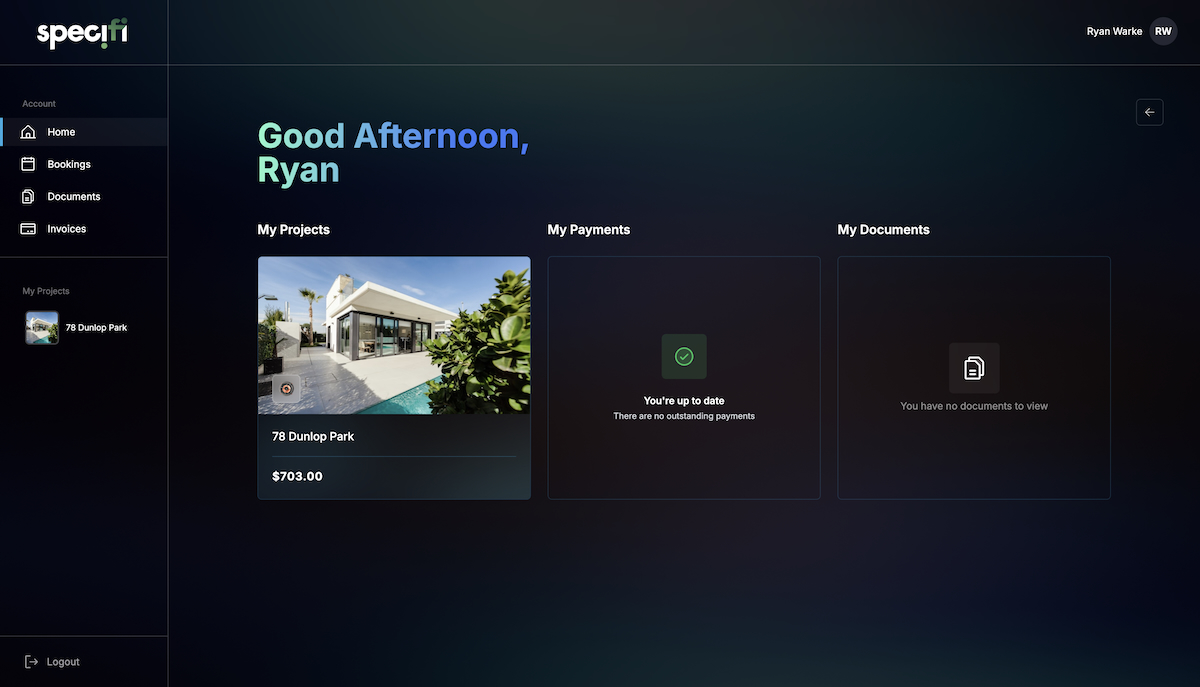
A branded, login-protected area where your client sees their project. They can view the signed proposal, track progress, review and approve change orders, see every invoice, pay outstanding balances via Stripe, book service appointments, and leave comments against specific deliverables. The portal replaces the stream of "any update?" emails that most integrators lose a disproportionate amount of time to, and it does it without looking like a generic SaaS dashboard; the portal carries your branding, not ours.
Is it actually branded, or a white-labelled stock UI?
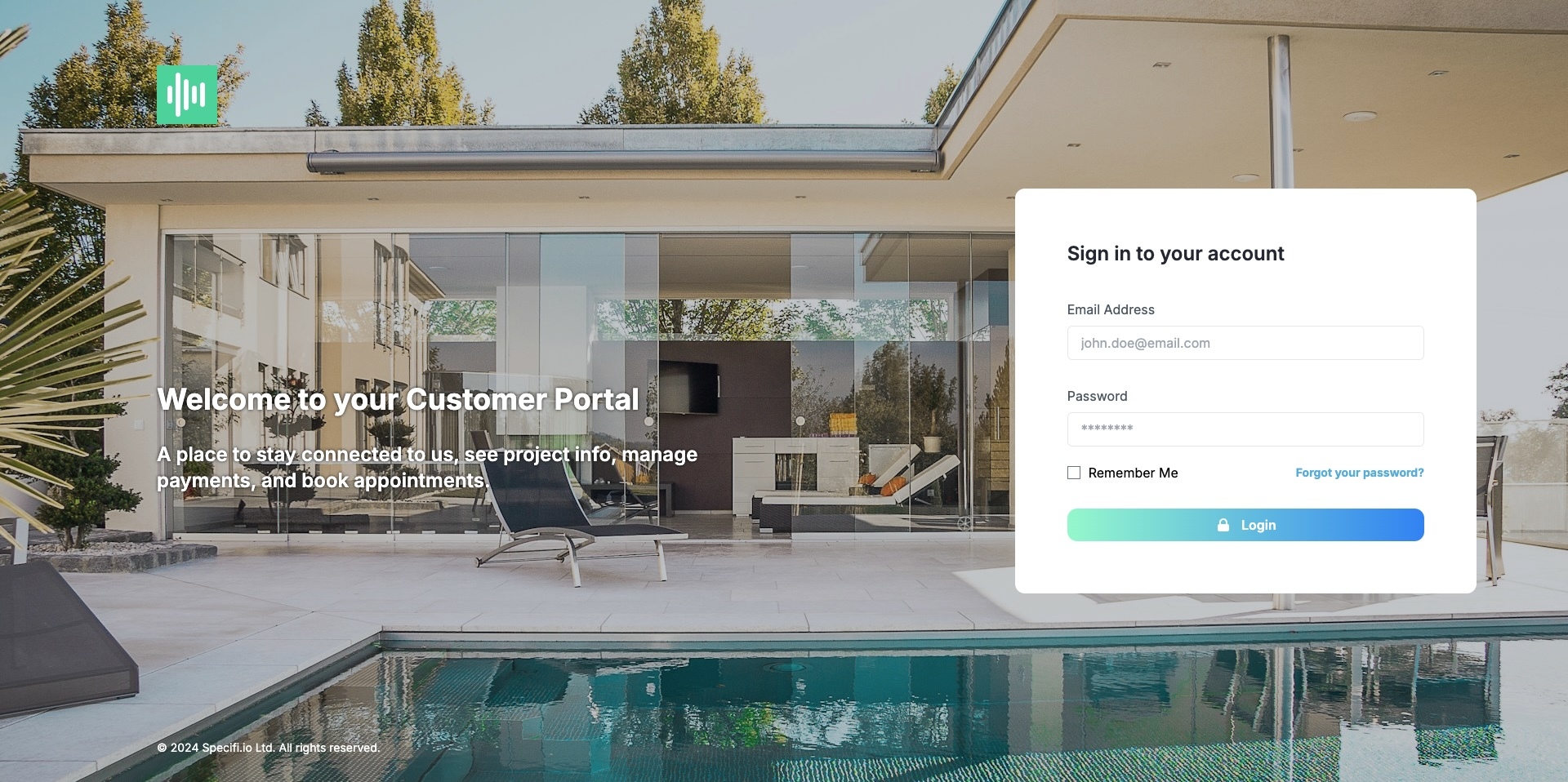
Branded end-to-end. Your logo, your colour palette, your typography, and a custom subdomain (for example portal.yourbusiness.com, configurable during onboarding). The welcome email from the portal is sent from your domain, not ours. Clients who use the portal know they are interacting with your business, not with a third-party service. The visual rhythm of the portal maps to the visual rhythm of the proposal, so a client who opens a polished proposal and then logs into a matching portal gets a consistent brand story.
What can I choose to show or hide from the client?
Everything on the portal is togglable per item, per project, or per client. You can hide a specific invoice while a dispute resolves, suppress a phase of the project timeline that is not client-relevant (internal prep work, for example), or show only the commercial summary on a project where detailed schematics would confuse a homeowner. Per-user visibility rules are supported for clients with multiple stakeholders; a project manager on the client side might see everything, while an accounts-payable contact sees only invoices. The default out-of-the-box view is sensible; the controls are there for the one in five projects that needs them.
Does it handle change orders?
Yes. When you generate a change order in Specifi, the client sees it in the portal with a clear diff (what changed, why, the price impact, the schedule impact). They approve or push back with comments. Approved change orders update the project budget, the invoice schedule, and any impacted work orders automatically. Clients can see the full change-order history on a project, which matters both for trust during delivery and for the rare case where you end up defending a variation in dispute.
Can the client pay invoices through the portal?
Yes. Every open invoice presents a pay-now button via Stripe. Clients pay by card, Apple Pay, Google Pay, or bank transfer where available in their region. Partial payments are supported; the client can pay a deposit by card and the balance by bank transfer, for example. Payment records appear against the invoice in real time, the invoice status updates, and the accounting-package sync fires automatically. There is no Specifi platform surcharge on the payment; standard Stripe fees apply and you can configure whether to pass those on to the client.
Can clients message my team from the portal?
Yes. A lightweight messaging thread sits against each project so the client can ask "when's the installer arriving on Thursday?" without searching through their inbox. Messages surface on the project record inside Specifi and (optionally) as email notifications to the assigned office user. This is not a full-blown help-desk replacement, but it is the right tool for project-scoped conversation; it stops the important questions getting lost in the daily email tide.
Can clients book additional service visits?
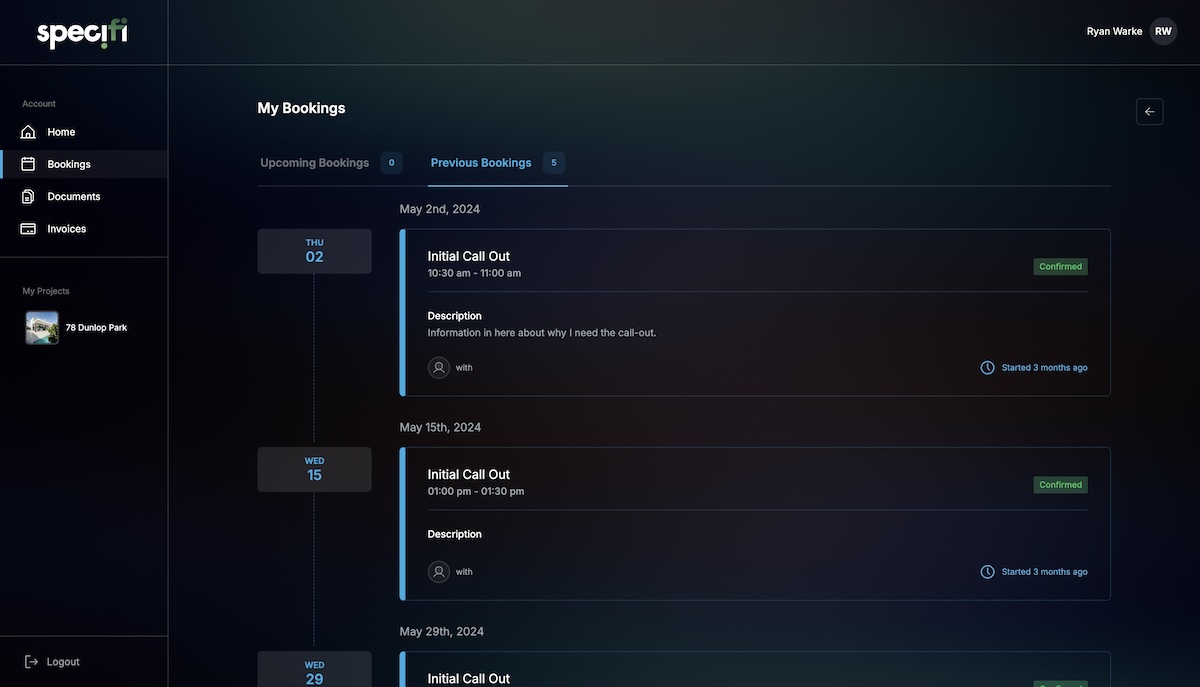
Yes. For projects with a service contract or for clients who have bought from you before, the portal includes a "book a visit" flow. The client picks from available slots against your team's calendar, describes the issue, and the booking lands in your dispatch calendar as a service work order. For residential smart-home clients who keep discovering new little tweaks six months after install, this takes the "Matt, can you come round on Saturday?" text off your personal phone and puts it in the system where it belongs.
How many client logins do I get?
Unlimited, on every plan. One project might have two logins (the client and their architect); another might have four (a business client's IT, operations, accounts, and facilities contacts). Specifi does not meter client logins, charge per portal user, or restrict portal access by tier. The rationale is that a portal is only useful if every relevant stakeholder can reach it; a pricing model that discourages you from adding a logical contact undermines the product.
Does the portal work on mobile?
Yes. The portal is fully responsive, designed mobile-first; most clients access it from their phone, especially homeowners checking on progress between site visits. A native client-facing mobile app is on the roadmap but not yet shipped; the responsive web view covers the functional surface today. There is no "portal upgrade" to get a polished mobile experience; the portal you get at Individual tier looks and works the same as the one at Enterprise tier.
Can I white-label the portal URL?
Yes. The default URL is a subdomain of specifi.io (yourbusiness.specifi.io), which most customers keep. For higher-tier brand control you can CNAME a subdomain of your own domain (portal.yourbusiness.com, say) to the Specifi portal; TLS certificates provision automatically via Let's Encrypt. The branded URL is available on every plan; we do not lock white-label URLs behind Enterprise tier.
What data is stored in the portal and where?
The portal stores proposal documents, change orders, invoices, payment records, messages, scheduled work orders, and client-side comments against each of those artefacts. Data lives in the same backend as the rest of Specifi, hosted on AWS in a UK or US region depending on your account's configuration. Data is encrypted in transit (TLS 1.3) and at rest (AES-256). Backup cadence is hourly for transactional data and nightly for document storage. Data-residency arrangements are documented on the Trust page; if your business has specific data-sovereignty requirements (common for UK public-sector or EU healthcare clients), ask on the demo.
What happens to the portal when a project ends?
The portal stays live for as long as you keep the client record in Specifi. For a residential client, that is usually forever (they come back with service calls and upgrades). For a one-off commercial project, you can archive the client which moves the portal into a read-only "closed" state; the client can still log in to download historical invoices but cannot book new work or send messages. Deleting the client closes the portal entirely; this is reversible within 30 days (undelete from the archive view) and permanent after that. Clients receive a clear email notification when their portal access status changes.
What does the portal cost?
Nothing extra. Included on every Specifi plan. Unlimited clients, unlimited stakeholders per client, unlimited portal activity, branded URL, change-order approvals, Stripe-powered payments, and the full feature set listed above. Most competitors in this space either do not offer a portal or charge separately for it (often per-client or as an Enterprise-tier upgrade). We think a branded client experience is not a premium feature; it is how an AV integrator looks professional when the job is over six figures.