What does the mobile app cover?
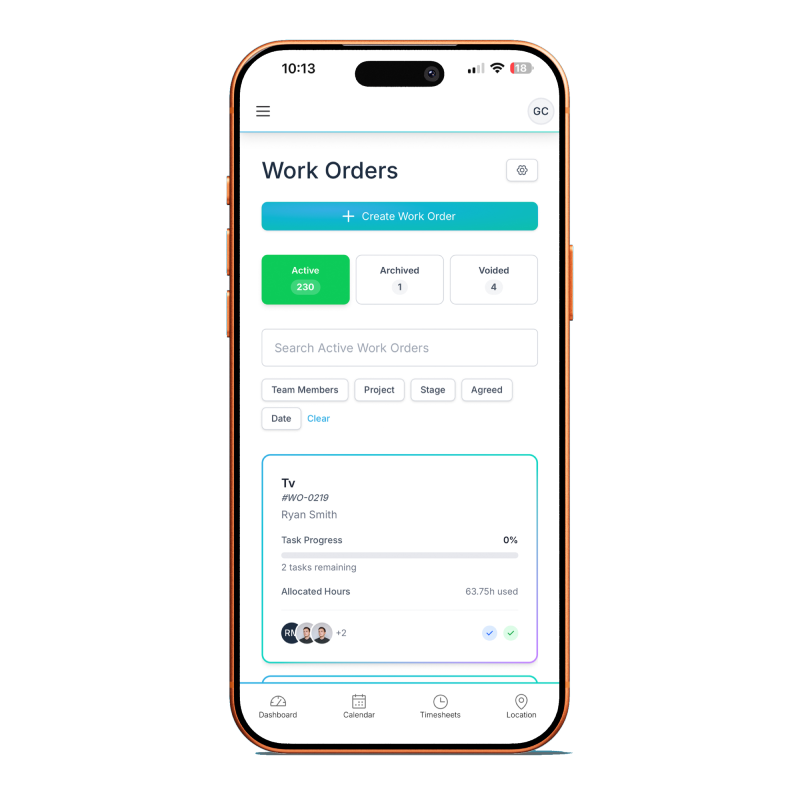
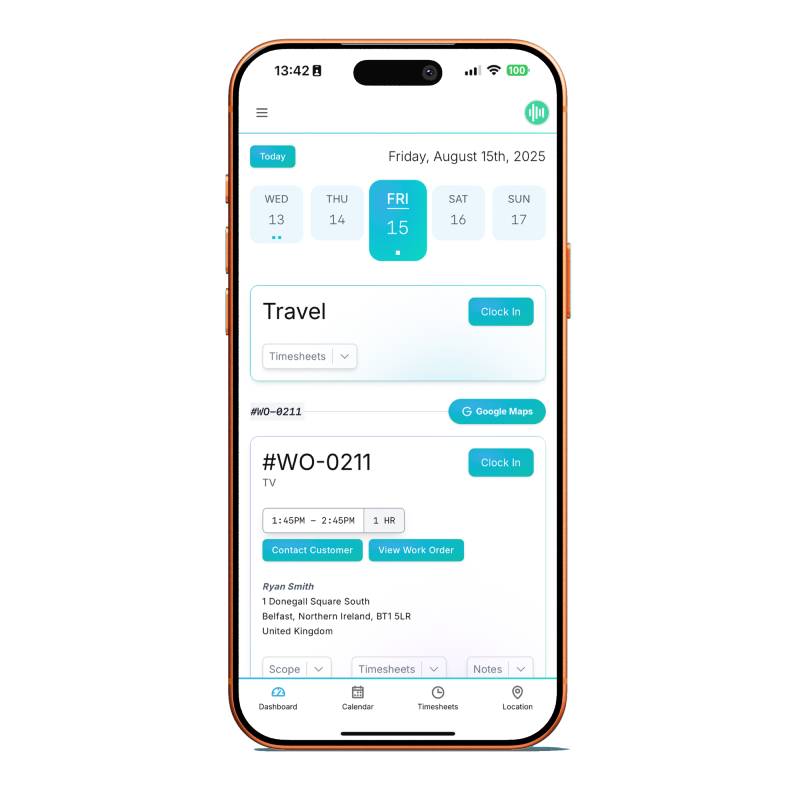
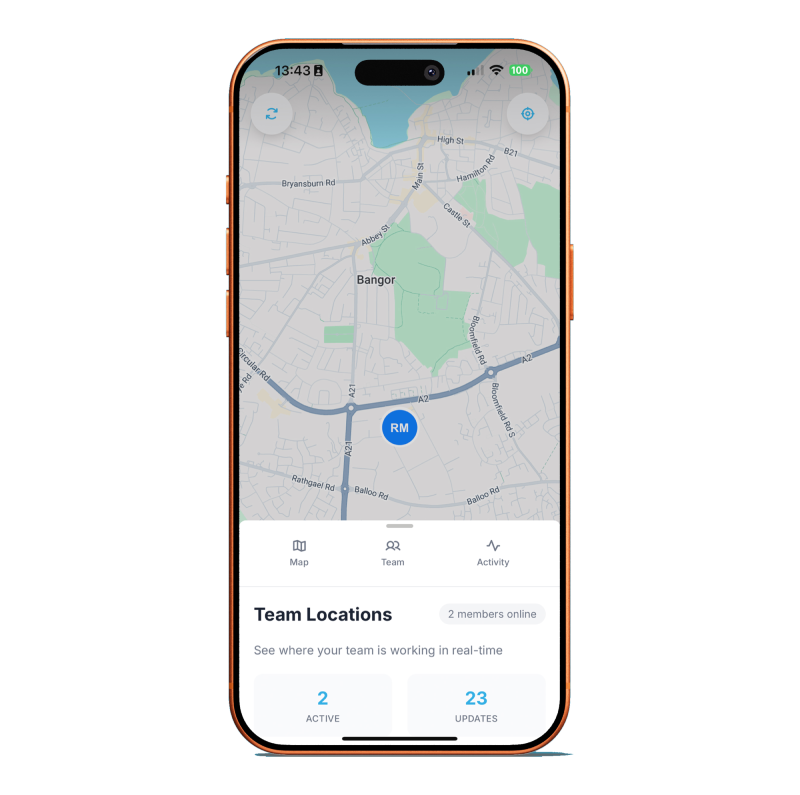
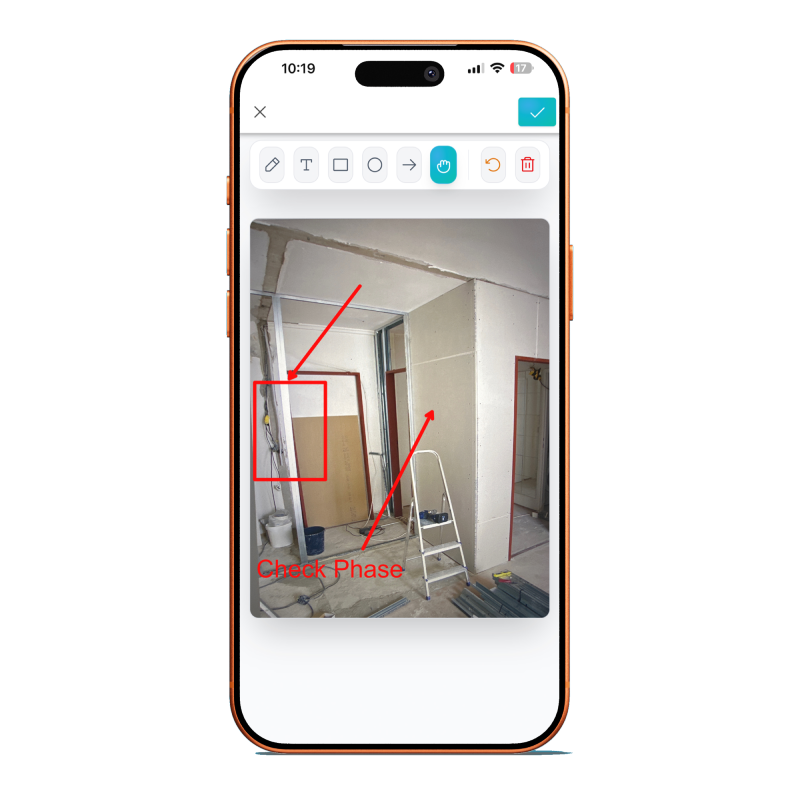
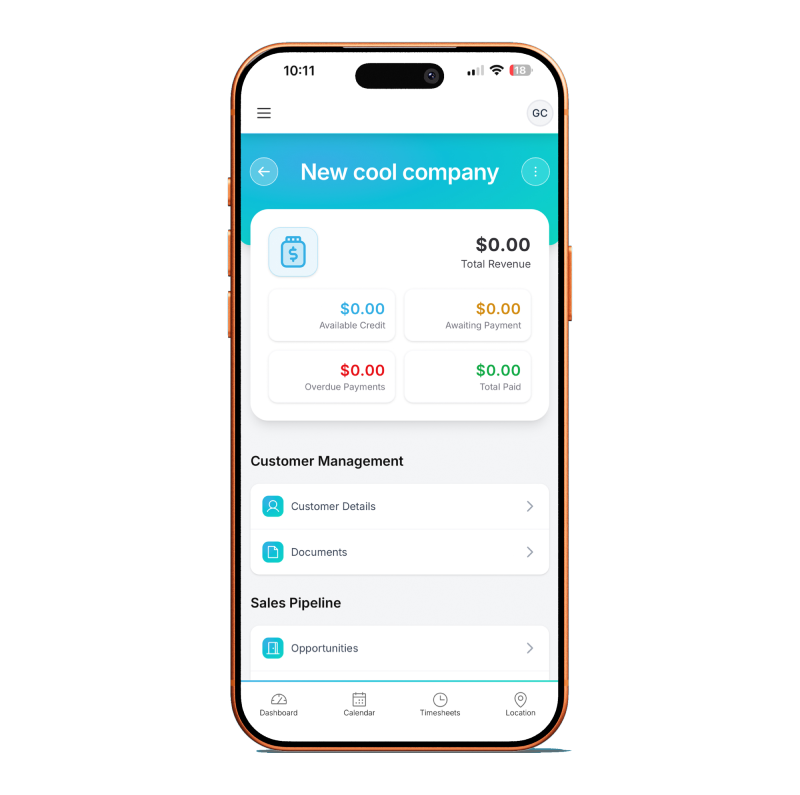
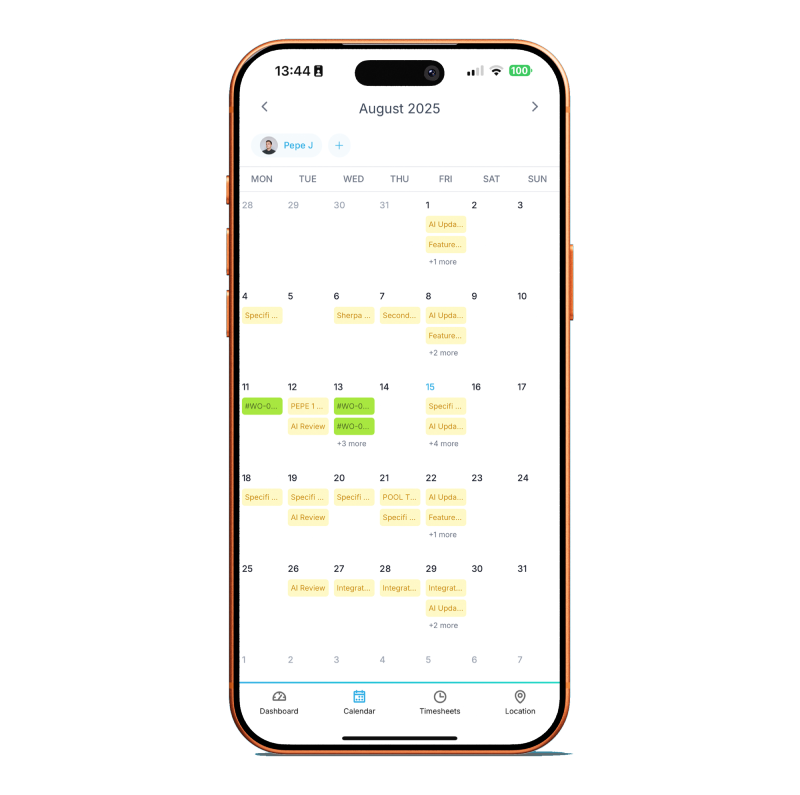
Two use cases, one codebase. For field technicians: the day's work orders, site addresses, parts pick lists, attached schematics, clock-in / clock-out time tracking with optional GPS confirmation, photo capture against tasks, client e-signature on completion, and sync back to the office. For office users and salespeople: CRM contact records, pipeline view, task list, activity feed, and the ability to send a proposal from the phone. The same app surfaces both views depending on your user role; field users see the technician surface by default, office users see the CRM surface.
Is it on iOS and Android?
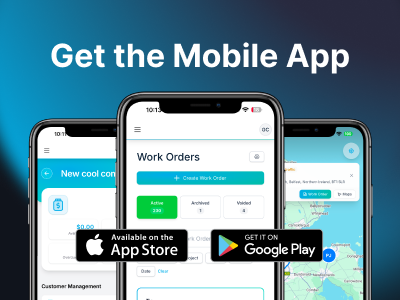
Yes, both, native apps. The iOS app is on the App Store. The Android app is on Google Play. Both builds are distributed by Specifi directly; there is no enterprise-side-load step. Feature parity is the goal across the two platforms; platform-specific differences (biometric login, Apple Pencil signature, Android file-system access patterns) are handled natively rather than through a lowest-common-denominator web view.
Does it work offline?
Partially, and we want to be straight about this. The app is cloud-connected. Full real-time sync with the web platform requires network access. For a field technician walking into a site with no mobile coverage, the app gracefully caches the day's pre-downloaded work orders and lets them work against those (mark tasks complete, capture photos, log time). Those actions queue locally and sync the moment connectivity returns. What the app does not currently do is support a full offline-first workflow where a technician could pick up a brand-new work order, provision all its assets, and complete it entirely offline. If connectivity in your field locations is genuinely patchy, plan for it; do not rely on Specifi as if it were an offline-first field app.
How does time tracking work from the app?
The technician taps "clock in" against a work order; the app optionally captures GPS confirmation of arrival (with the technician's consent, configurable per account). They work through the tasks, take breaks, swap between jobs if the day's schedule includes more than one. At the end, they clock out and optionally capture GPS confirmation of departure. Time entries log against the project and the work order automatically, feeding payroll and the labour cost basis on the project. Corrections are supported with an audit trail; the technician or office user can amend an entry, and the amendment records who changed what, when, and why.
Can clients sign on the technician's device?
Yes. At work-order completion, the app presents a sign-off sheet showing what was agreed, what was delivered, any variances, and a signature block. The client signs on the technician's screen with a finger or a stylus. The signed sheet uploads immediately (or on next sync if offline) and appears in the client portal. This is the same e-signature path the web platform uses for proposal signing; it is admissible as evidence under UK and US e-signature law.
Does the app handle barcode scanning?
Partial today, full when Inventory and Procurement ships on June 1, 2026. The app already supports barcode capture for ad-hoc stock lookups and supplier SKU validation during installs. Full stock-receipt and stock-allocation scanning (the "receive the delivery on site, allocate to project, flag shortages" flow) lands with the broader inventory release in June 2026. No proprietary scanner hardware is required; the phone or tablet camera is the scanner. Dedicated barcode hardware (Zebra, Honeywell) is supported for bulk warehouse operations when Inventory ships.
Can field techs see schematics and project docs?
Yes. Every work order in the app links to the project pack: schematics, wiring diagrams, floor plans, client-specific notes, safety requirements, and manufacturer datasheets. Documents download on demand (or pre-download on the day's schedule if you configure it that way) so a technician can open them on site without re-fetching over a thin connection. Zoom, pan, and orientation are native for the kind of close-in inspection an installer does on a complex rack diagram.
What about the office-user view — is it a cut-down CRM?
It is a focused subset of the CRM, built for the salesperson in the car between site visits rather than a desk workflow. You see pipeline, contact records, today's tasks, the activity feed, and you can log a call, book a follow-up, send a proposal from an existing template, or approve a change order. What you cannot do from the app is edit a complex proposal from scratch; that is a desk job and forcing it onto a phone would be hostile to the user. For anything that needs a keyboard and a big screen, the web platform handles it and the app surfaces a handoff link.
Does the app include push notifications?
Yes. Configurable per role and per event. Field techs typically get notifications for new work orders, schedule changes, and client-sign messages. Office users typically get notifications for proposal views, e-signatures, payment receipts, and pipeline-stage advances. Notification preferences are per-user, so a salesperson who wants the world and a manager who wants only the closing-deal alerts can both tune their own stream.
Is the mobile app included in the price?
Yes, on every plan. No per-user app fee, no "mobile add-on" SKU, no separate field-service subscription. The app is part of Specifi; the user's platform seat (office or field) carries their app access.
What about offline reliability for client sign-off at the end of a job?
The client signature step works offline. The signed sheet queues locally and uploads the moment the app reconnects. The technician does not have to find signal before the homeowner signs off on the job; they shake hands, hand over the keys, and the signed sheet syncs on the drive back to base. This is deliberate; the most common "no network" moment in an AV install is the final walk-through in a basement rack room or a rural site, and the product shouldn't fail at the exact moment the project closes.
Is the data stored on the device encrypted?
Yes. iOS uses Data Protection Class A (full disk encryption, accessible only after device unlock) by default. Android uses the platform's encrypted storage APIs. Queued-but-unsynced data (the technician's work entries before connectivity returns) is encrypted at rest and the app enforces device-level lock (PIN, biometric) before opening. If a device is lost or stolen, remote wipe is supported through the admin console; the user's app data is wiped on next connection even if the rest of the device is not.
How often are the apps updated?
Monthly feature updates are typical, with hot fixes shipped as needed. Both stores auto-update by default for end users; you do not have to push updates manually. Release notes are published on the in-app changelog and on the public changelog at /changelog. We do not ship silent breaking changes to field-tech behaviour; when the app's user experience changes in a way that affects a technician's daily workflow, the release notes call it out clearly.