How does a work order get created?
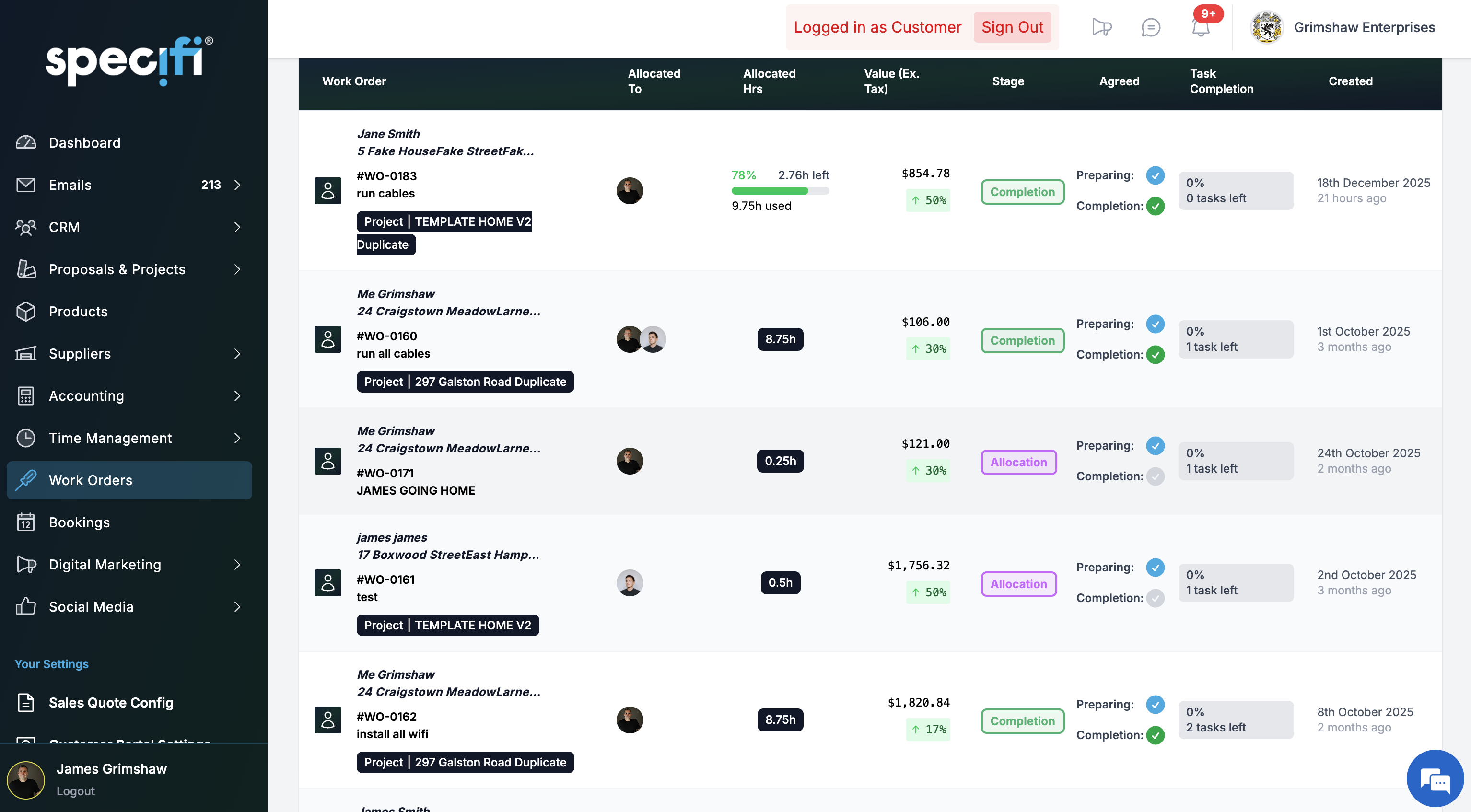
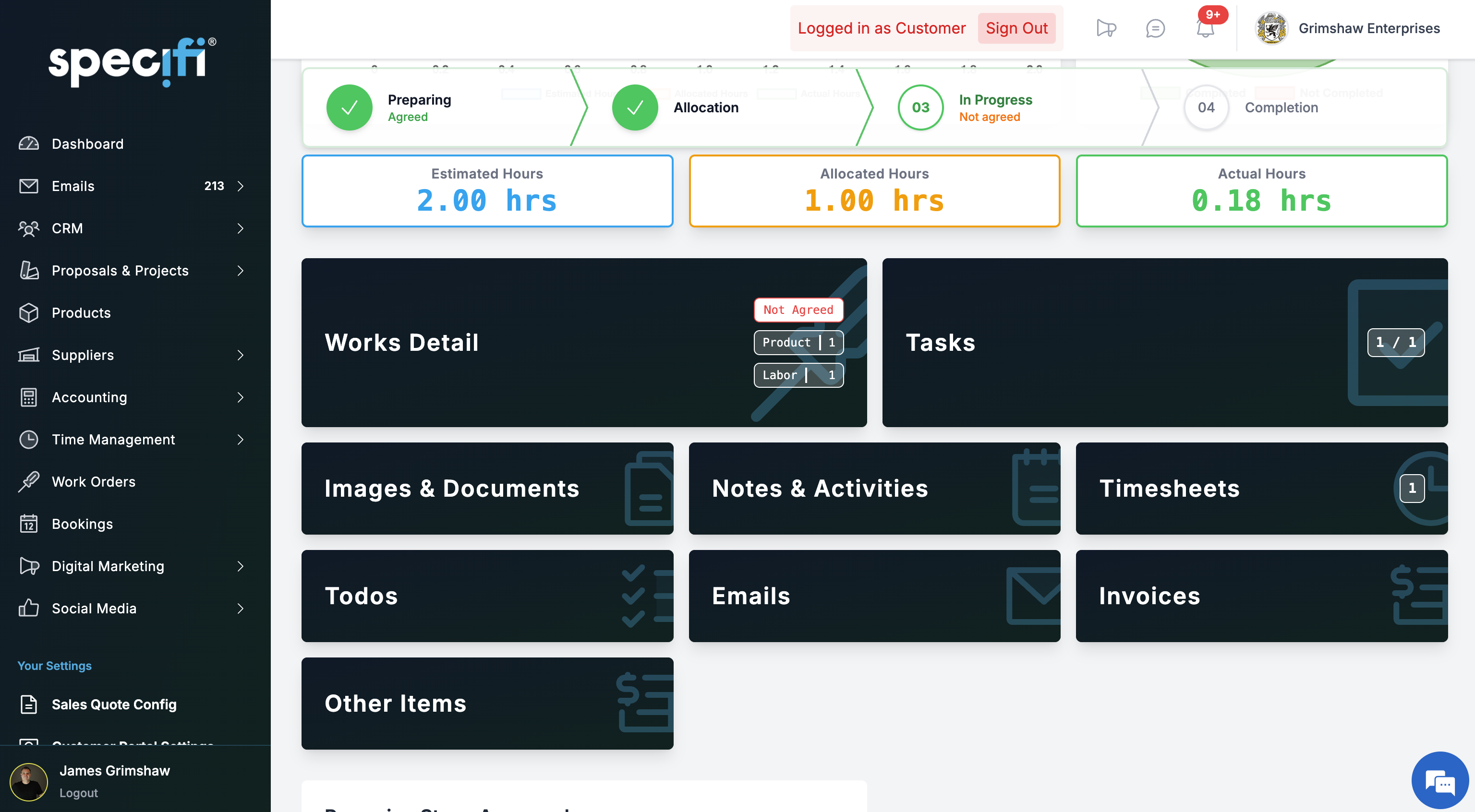
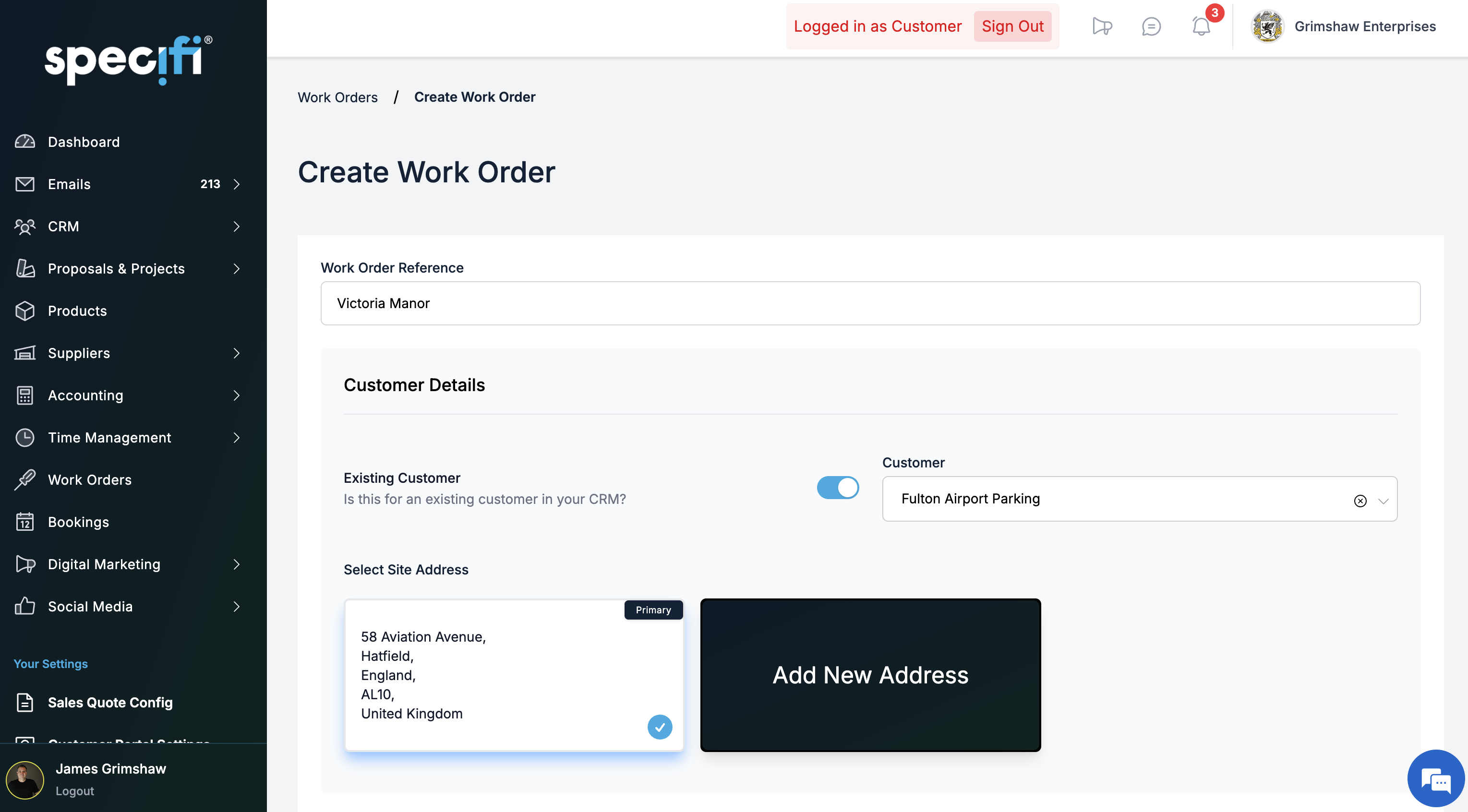
When a proposal is signed, the project it spins up carries a labour schedule inherited from the proposal's labour lines. From the project view you generate work orders in one click, either individually or in bulk across the project's phases. Each work order carries the site address, the scheduled date and window, the technician assignment, the parts pick list, the instructions, and any attached documents (schematics, risk assessments, client-portal access instructions). Work orders can also be created ad-hoc for service calls that do not originate from a proposal.
Can I schedule technicians and see their availability?
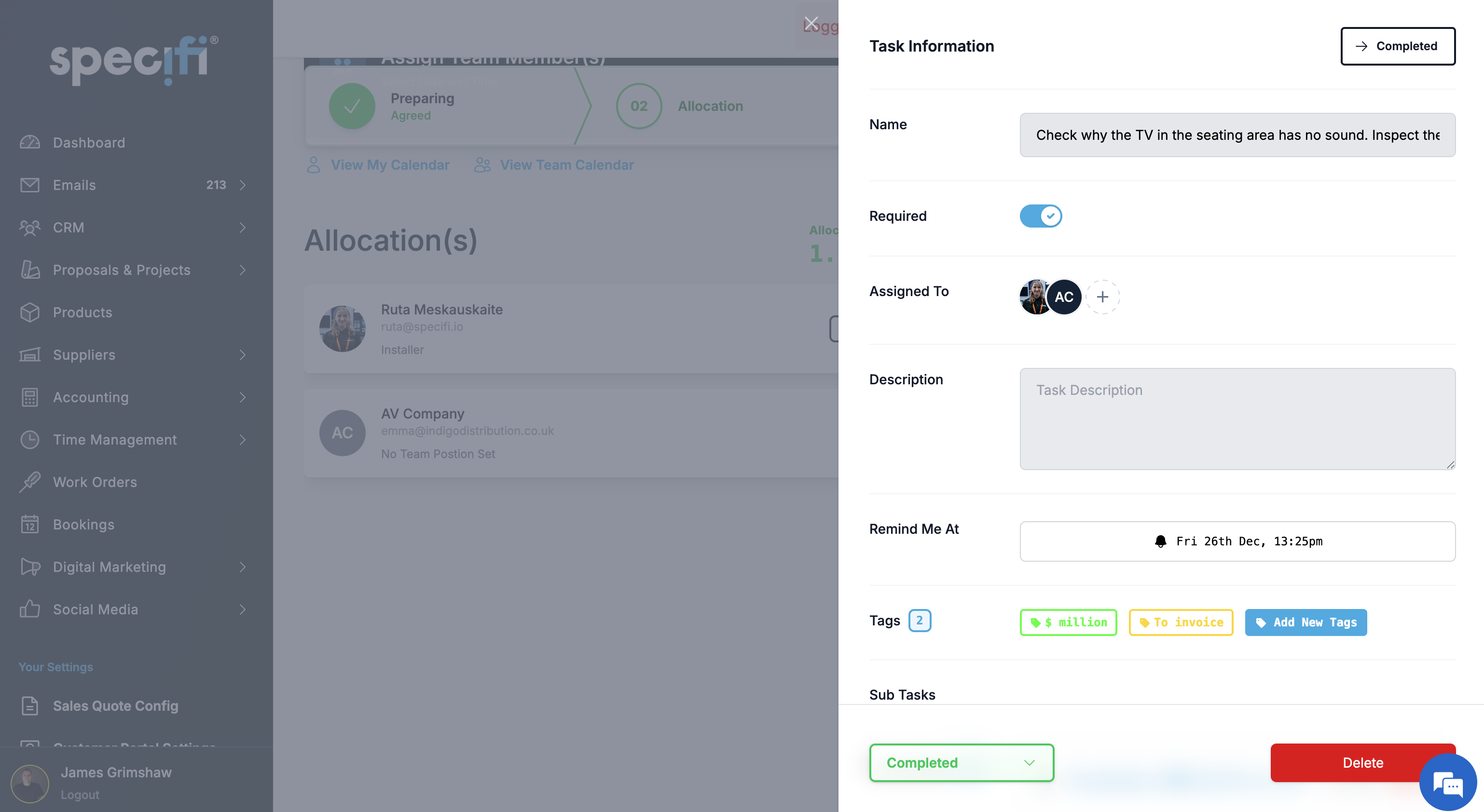
Yes. The dispatch calendar shows every technician, their scheduled work orders, travel windows between sites, and their availability against the rolling work-order backlog. You can drag work orders between technicians and between days; conflicts (double-booking, excessive travel, skills mismatch on specialist labour) flag automatically. The calendar views run day, week, and month; time-off and service-call blocks sit alongside project work so you can see the true picture of the team's week, not just the project schedule.
Does it include time tracking?
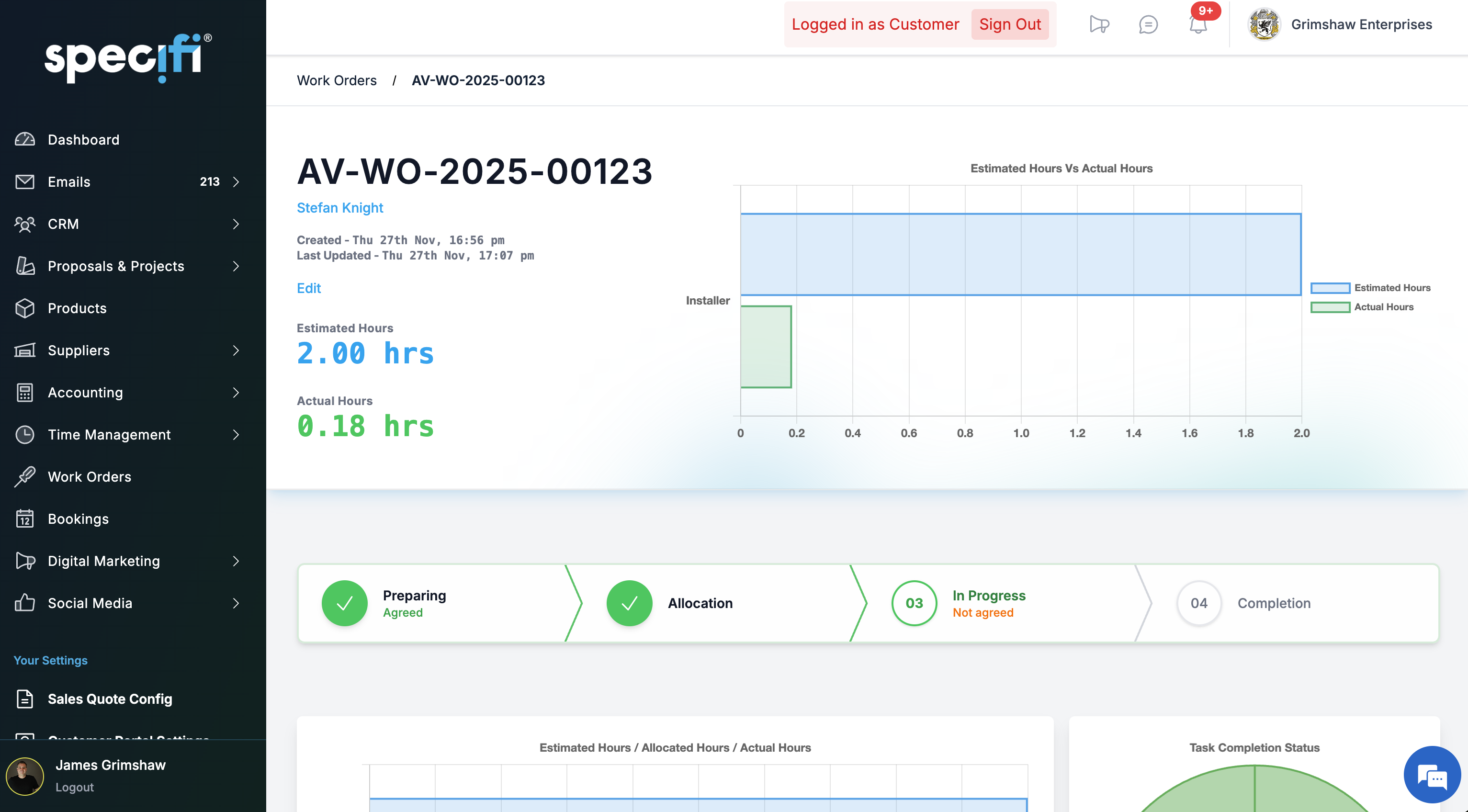
Yes. Time tracking is included on every plan and runs from the field app. A technician clocks in at the job (the app captures GPS confirmation of arrival, with consent), works against the work order, clocks out, and the time logs against the project automatically. Breaks are supported, multi-job days are supported, and corrections are supported with an audit trail. Time entries feed the payroll export for Individual and Team tier; Enterprise tier includes direct integration to major payroll providers. There is no separate time-tracking licence or per-seat field-tech fee.
Is there a per-seat fee for field technicians?
No. Specifi's pricing includes field-user seats in the base tier. Individual gives you 2 field users at $149 / month. Team gives 5 at $349. Enterprise gives 10 at $699. Above those thresholds you buy additional seats at the published per-seat rate; we do not hide a "required field add-on" in the small print. Competitors in this space routinely bolt a $12-to-$25 / month / technician fee on top of the base platform. We do not.
How do technicians use the app in the field?
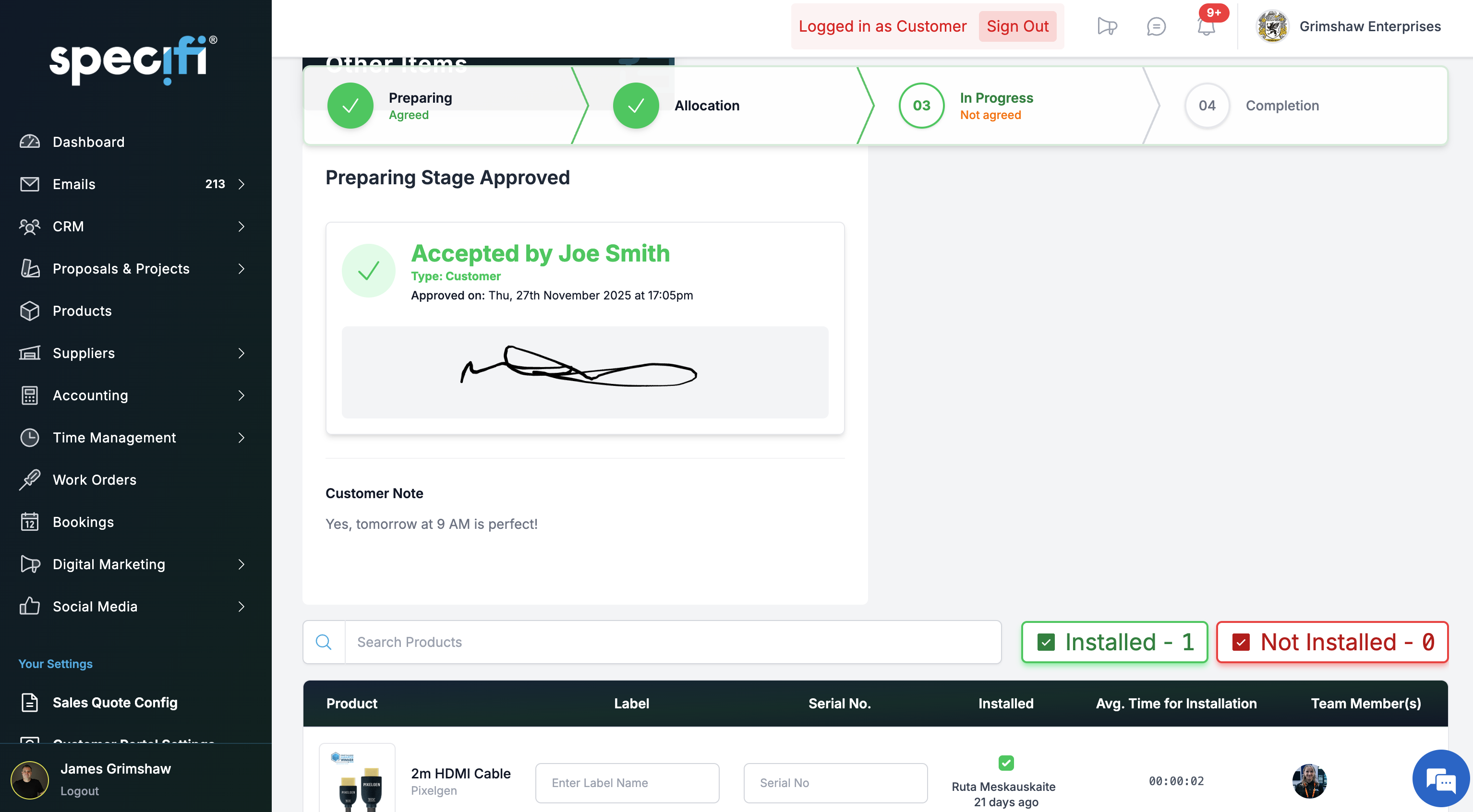
iOS and Android apps, designed for field use rather than a cut-down browser view. The technician opens the day's work orders, taps one, and sees the job pack — site address, parts pick list, schematics, client notes, safety requirements, and a check list of tasks to complete. They clock in, work through the check list, capture before-and-after photos tied to the task, note any material overrun or change request, get client e-signature at completion, and sync back to the office. The app is cloud-connected; plan field connectivity accordingly.
Can a client sign off on a completed work order on site?
Yes. The field app generates a work-order sign-off sheet at completion showing what was agreed, what was delivered, any variances, and a signature block. The client signs in-app on the technician's device; the signed sheet uploads to the project record and appears in the client portal. If you run a service-only business, this is the same workflow for a callout: arrive, work, sign-off, invoice. There is no separate "service module" to buy for this.
What happens when the technician finds something unexpected on site?
The field app supports raising a change request against the work order. The technician notes what changed, attaches photos, and the office sees the change on the project dashboard immediately. If the change triggers a price or schedule revision, you generate a change order back to the client in the normal proposal flow; the client signs, the project budget updates, and the work order picks up the revised instructions. The audit trail preserves the original plan, the field evidence, and the client's approval in one place.
Does it handle recurring service contracts?
Yes. Work orders can be scheduled on a recurring cadence (monthly, quarterly, annual) for service contracts and support visits. The template covers the expected tasks, parts, and billable time; the contract value and billing cadence roll through to invoicing automatically. Clients with a service contract see their next scheduled visit in the customer portal and can book additional callouts through the same interface without emailing your service desk.
Can I bulk-generate work orders across a large project?
Yes. A commercial fit-out with 40 rooms can generate one work order per room, one work order per phase, or any cut between. The bulk-generation UI lets you group by product category, labour type, location, or phase. Each generated work order inherits the project's defaults (labour type, client, site address, linked proposal) so the admin step is minutes, not an afternoon. Work orders stay linked to their parent project so progress roll-ups are automatic.
How does this connect to invoicing?
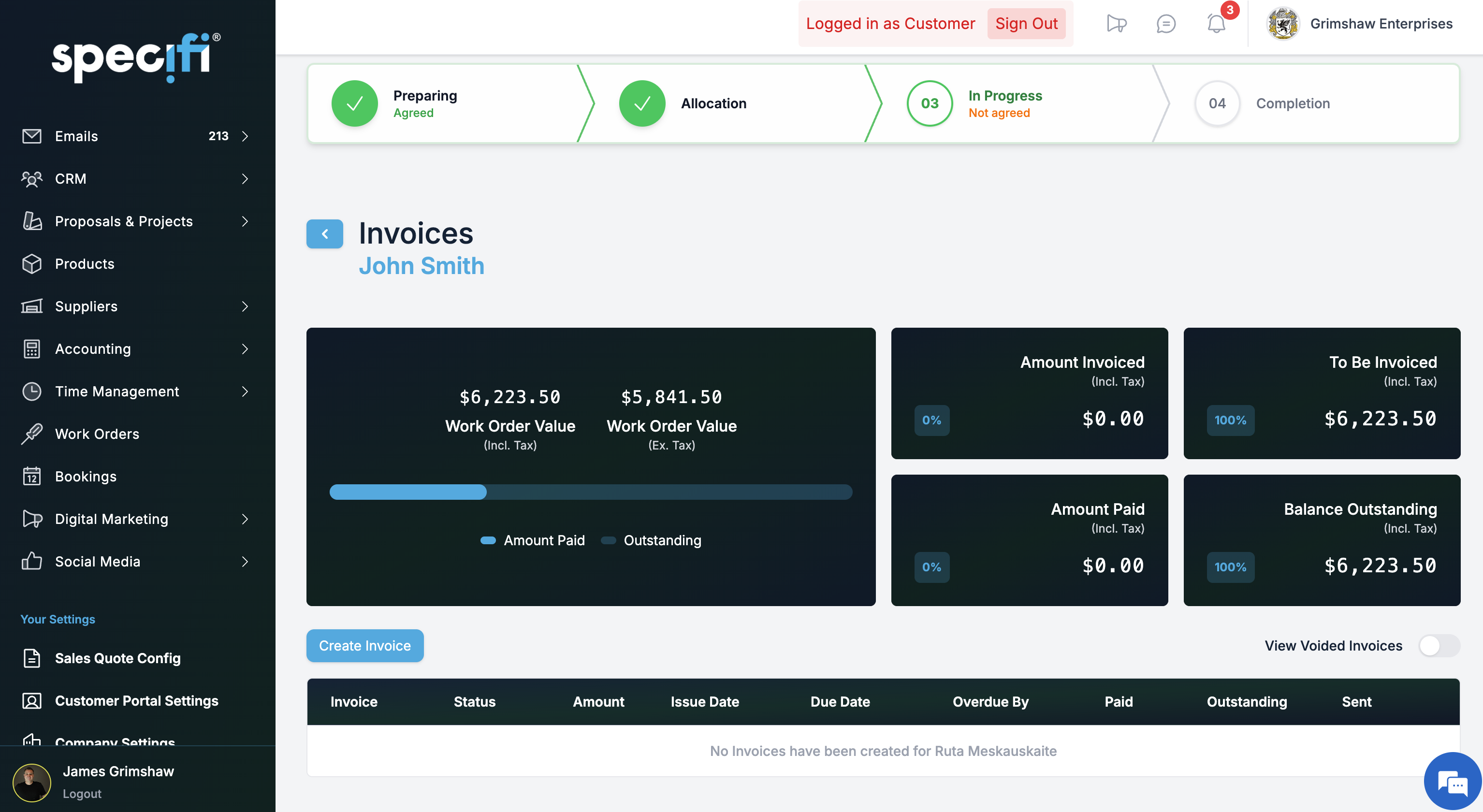
Completed work orders can be drawn into an invoice with one click. You pick the scope to bill (milestone, time-and-materials, full project completion), the invoice pre-populates with the work orders' labour and materials at the agreed rates, and the client portal surfaces it for payment. Stripe-integrated deposits and balances collect in the same flow as proposal deposits. Invoices sync to QuickBooks Online or Xero automatically; no double entry.
Can I run work orders on a job that did not start as a Specifi proposal?
Yes. Not every job begins with a proposal, especially service calls and small reactive work. You can create a project directly, attach a client record, and generate work orders against it without a proposal at the origin. Pricing comes from your rate card (configurable per client where you hold special rates), and invoicing flows the same way as for proposal-originated projects. For service-heavy businesses, this is the primary workflow.
What reporting is available on work orders?
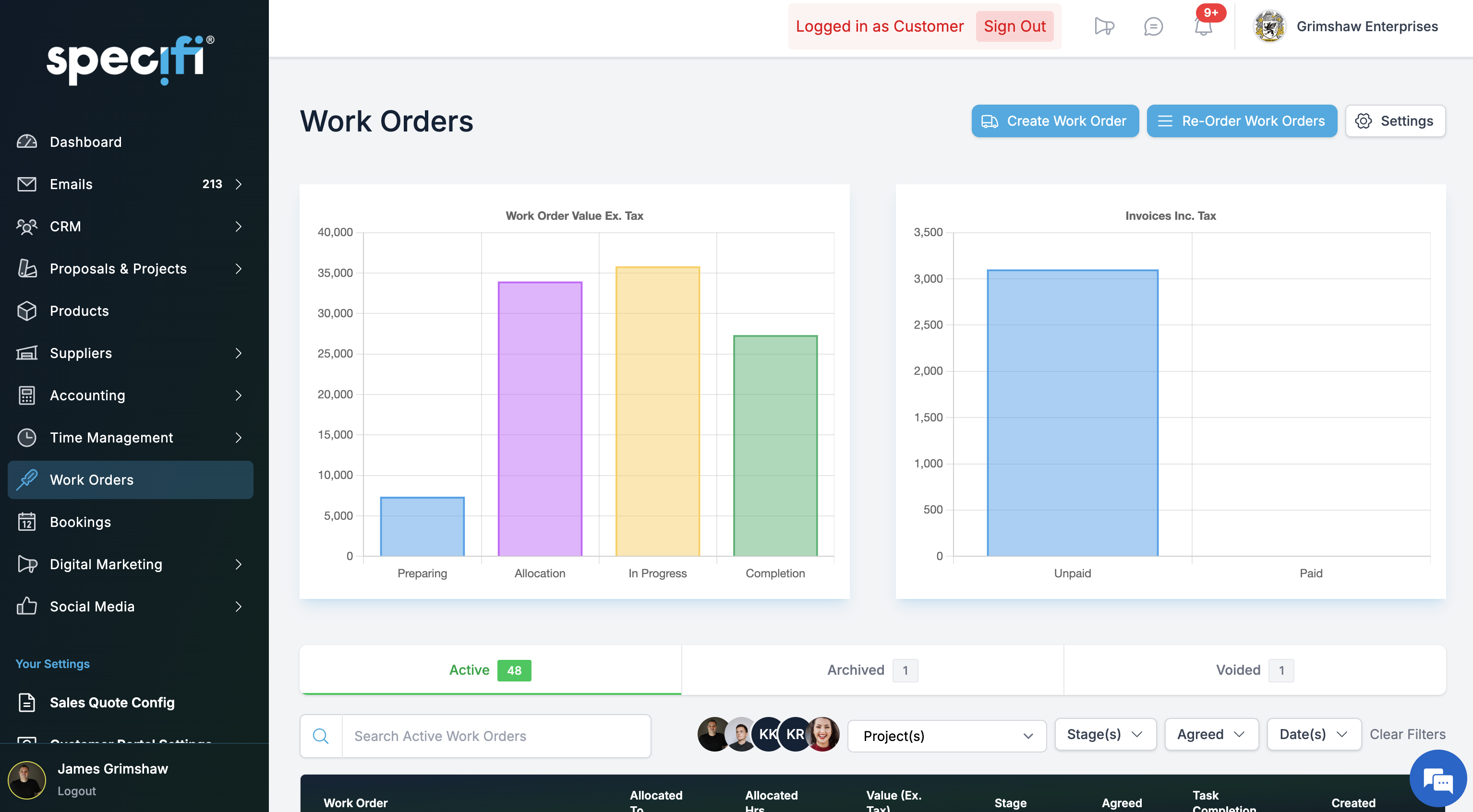
Out of the box, you get completion rate, average time-to-complete by work-order type, materials variance (planned vs. actual), labour variance, client-sign-off rate, and technician utilisation across the team. Reports filter by date range, project, technician, or work-order type. For custom cuts, exports run to CSV; the raw data is available through the API if you want to feed it into a BI tool. The out-of-the-box reports cover the questions an AV service manager asks on a Monday morning: who is behind schedule, where is the labour cost overrun, which technician is overloaded this week.